Build your running order
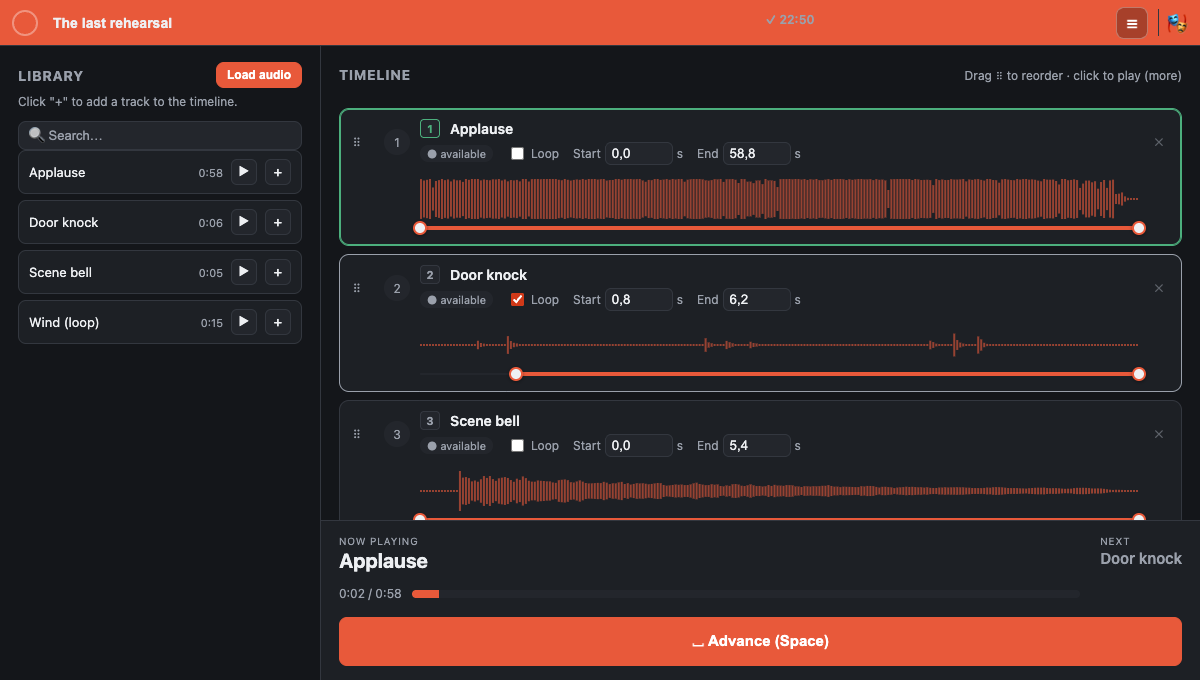
Bring music and effects into your library. Preview each track, then add it to your show’s sequence.
From the first read-through to the final curtain. Organize music and effects, prepare every entrance, and take control of your show’s sound.
A tool for the people backstage: theater companies, drama schools, and small productions.
Bring music and effects into your library. Preview each track, then add it to your show’s sequence.
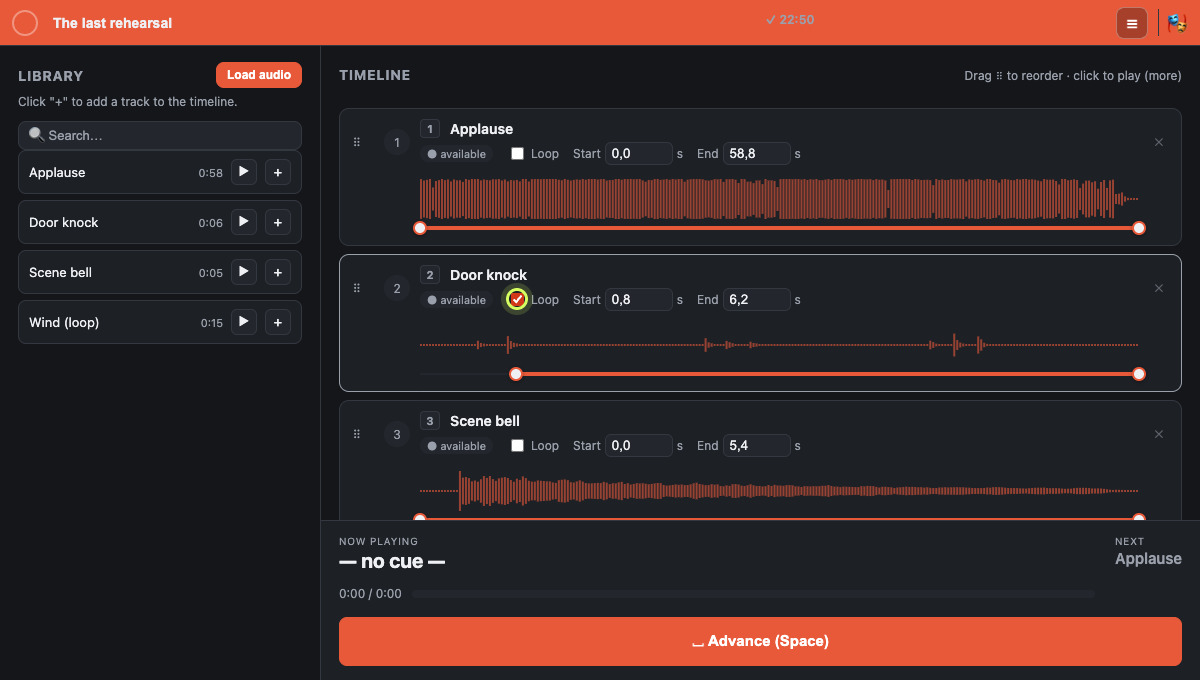
Set the start and end using the waveform. Loop an atmosphere until it is time for the next cue.
Export your cue list and audio together. Open the project on another computer and pick up your rehearsal.
Three steps, recorded in the real Live Player app. Play or pause each walkthrough.
Click “Load audio” and choose a folder. Use the + button beside each track to build your show’s running order.
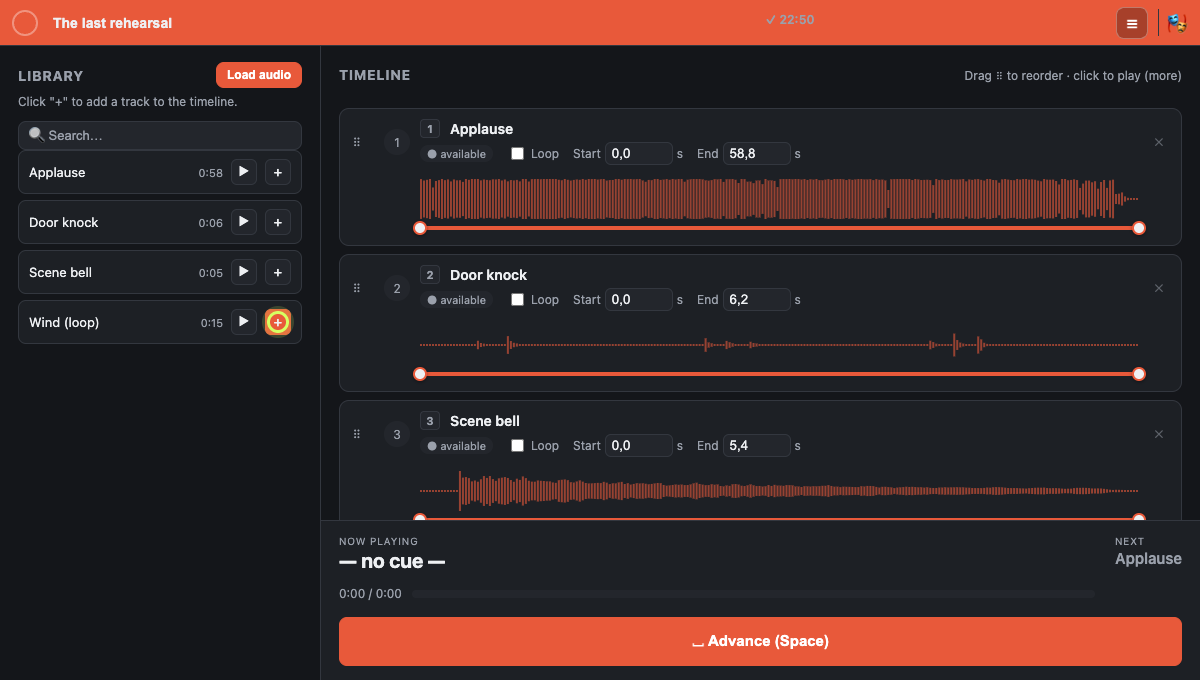
Drag the start or end handle on the waveform. Turn on “Loop” to repeat a section while the scene unfolds.
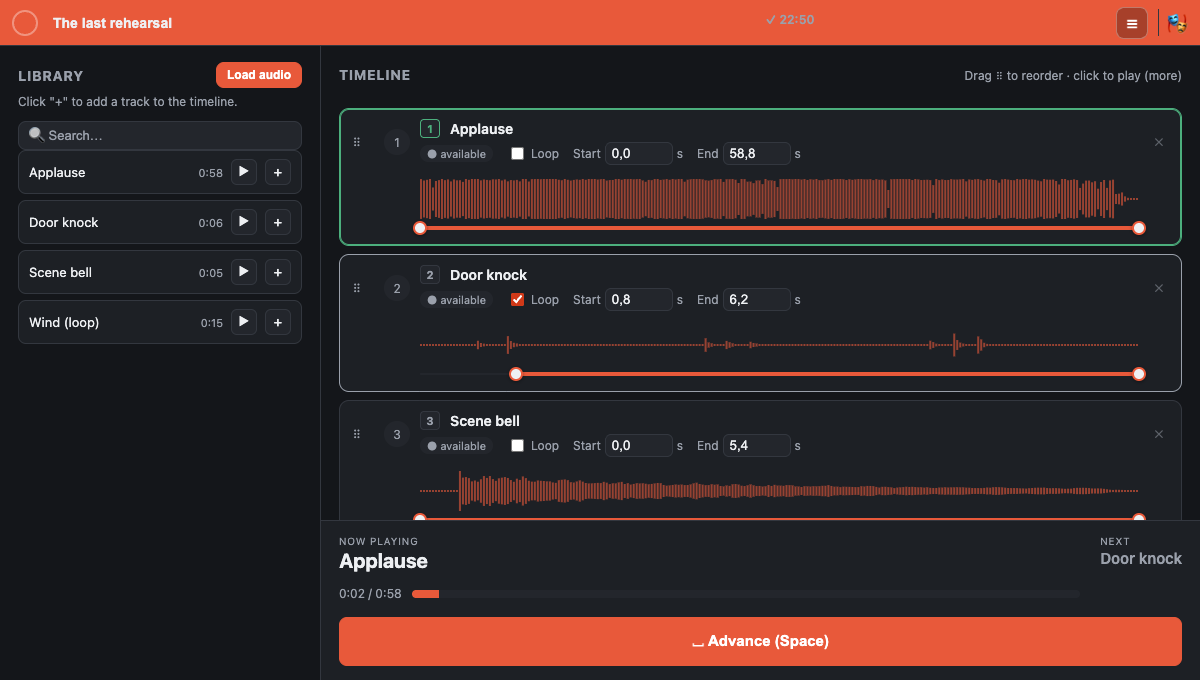
Press Space to advance. Esc pauses; Space resumes. Number keys also trigger cues directly.
You can try the browser version right here. We recommend Chrome on a computer to get started. The app also has a desktop version for Windows and macOS; public installers are still being prepared.
No. Live Player plays one cue at a time. Triggering another cue stops the previous one. This workflow suits shows with sequential music and sound-effect entrances.
In the browser version, your work is stored locally in this browser on this device, without syncing across computers. Export a backup of your audio and cues before clearing browser data.
In the browser, “Save project” creates an .lpe file containing the audio and cue list. On desktop, the working project is an .lpp file; use “Complete export” to create a portable .lpe file.
The browser demonstration is available without signing up. Desktop licenses and launch pricing are not yet available for purchase on this website.
Open Live Player, bring in your audio, and prepare the first scene.